MI Multicharacter
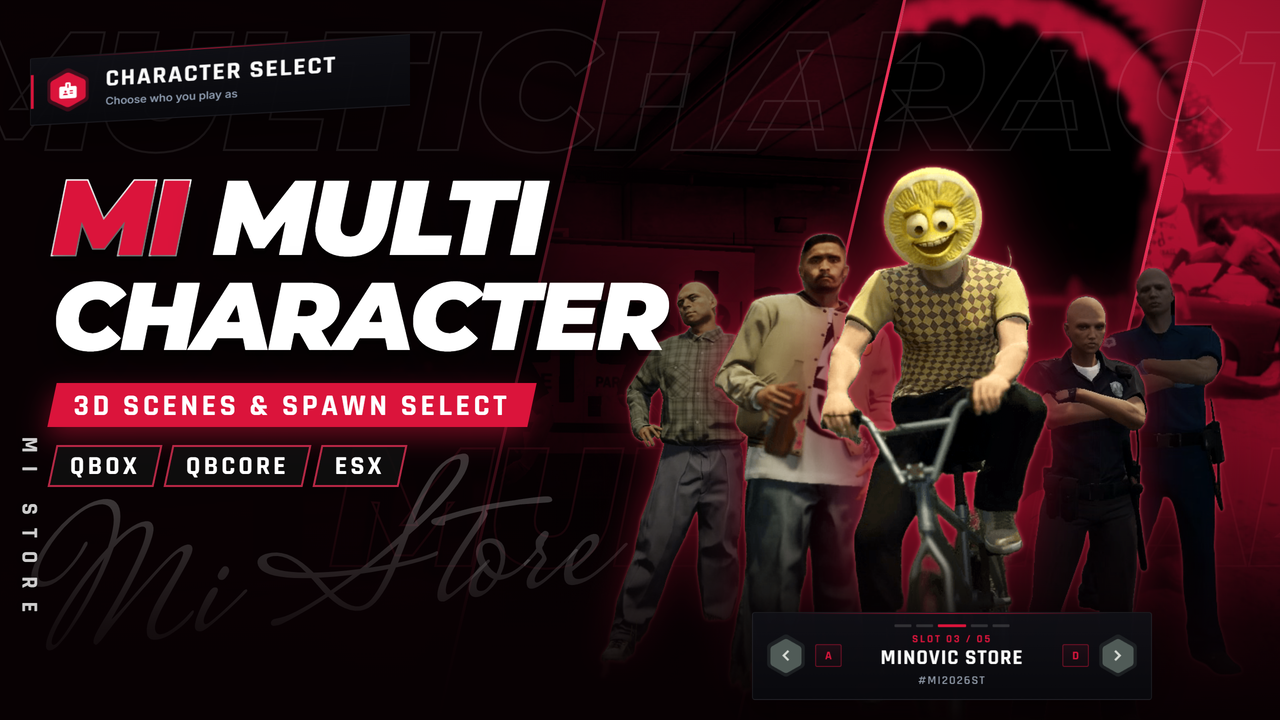
Character select, spawn selector and new character intro for ESX Legacy, QBCore and Qbox.
Every character stands in a real place in Los Santos that fits their job or gang. Players pick where to spawn from a list with photos and a live view from the sky, then a title card and a camera flight bring them into the city. New players get a create form, the clothing menu, the GTA Online plane landing and a welcome screen.
Character menu
- 3D scenes picked by job or gang: police at Mission Row, EMS at Pillbox, Ballas, Vagos, Grove Street, mafia, lawyer at City Hall, jail yard, hospital bed
- Police, EMS, mafia and lawyer characters wear a work outfit in the menu, over their own face and hair
- Day and night scenes, clear weather in the menu
- Small idle moves while the player waits (checks the watch, fixes the tie, reads the phone)
- Switch characters with A / D or the arrow keys, with a camera move and sound
- Players are alone while they choose: no other players, no traffic
Spawn selector
- Spawn list with photos: public places, job places (police, EMS), last location, owned houses and apartments (ps-housing)
- Hover a place to see it live from the sky. Owned houses show their inside with the furniture
- Map view with pins
- Title card with a sky shot of the place, then the camera spins down to the character
- Characters in jail spawn at the prison, dead characters at the hospital
New characters
- Create form: first name, last name, date of birth, gender, nationality, with a live male / female preview
- Clothing menu (illenium-appearance) before the intro
- GTA Online plane landing intro with a "Welcome to Los Santos" title (players can skip it)
- Welcome screen with your own tips
Delete
- For staff only or for every player
- The player types the full name to confirm
- Deleted characters are kept for 7 days and staff can give them back
Also included
- 16 languages: English, French, German, Spanish, Portuguese, Italian, Dutch, Polish, Turkish, Russian, Swedish, Danish, Czech, Romanian, Hungarian and Arabic (right to left)
- Your own colour with one line in the config
- Framework found by itself, no setup needed to switch between ESX, QBCore and Qbox
- Clear config with a short explanation next to every option
- Open files: config, languages, framework code and links to other scripts (clothing, housing, HUD, weather, notifications)
Requirements
- ESX Legacy, QBCore or Qbox
- ox_lib and oxmysql
- OneSync
- illenium-appearance (recommended)
- Optional: ps-housing, Renewed-Weathersync
- The hospital scene uses a Pillbox interior (any Pillbox MLO)
How you get it
The script is protected with Cfx.re escrow. After payment it is added to your Cfx.re account: open portal.cfx.re, go to Assets, Granted Assets, and download it. Install steps for each framework are in the README.
Support
Questions or problems? Open a ticket on our Discord: discord.gg/nRV9gJsnDa